
Thermal Camera for PCB Inspection, Thermal Master P3 512 × 384 Imaging with X³IR Enhancement, Adjustable Macro Lens, iOS and Android, Up to 600°C


Thermal Camera for PCB Inspection, Thermal Master P3 512 × 384 Imaging with X³IR Enhancement, Adjustable Macro Lens, iOS and Android, Up to 600°C
Thermal Camera for Detailed PCB Inspection
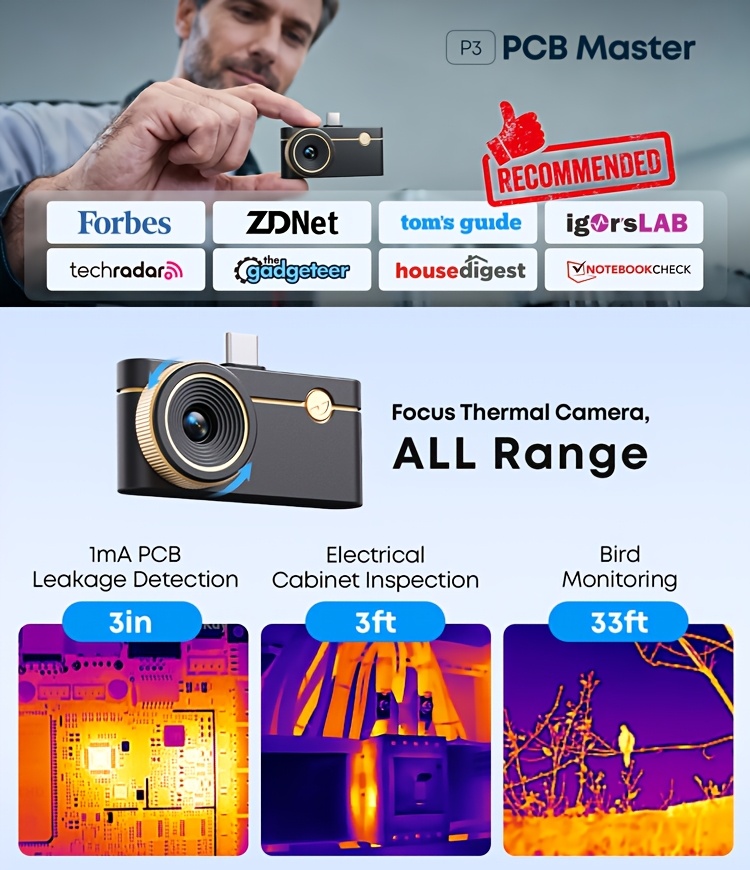
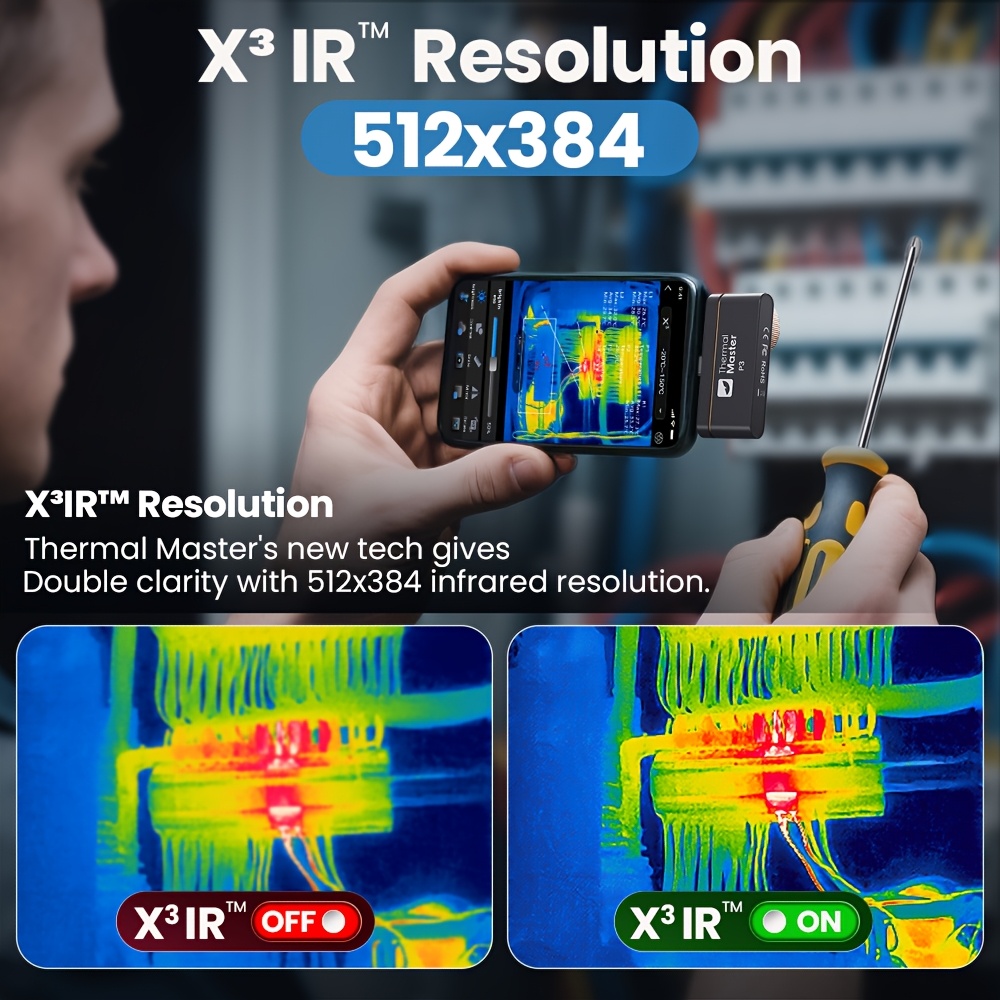
Bring a closer view of heat patterns to your electronics workbench with the Thermal Master P3 thermal camera. Designed for iOS and Android smartphones, this black P3 model combines listed 512 × 384 imaging, X³IR image enhancement and an adjustable macro lens for PCB and motherboard inspection. During your next inspection session, use the macro adjustment to explore small board areas and compare their thermal appearance.
Key Features for Your Workbench
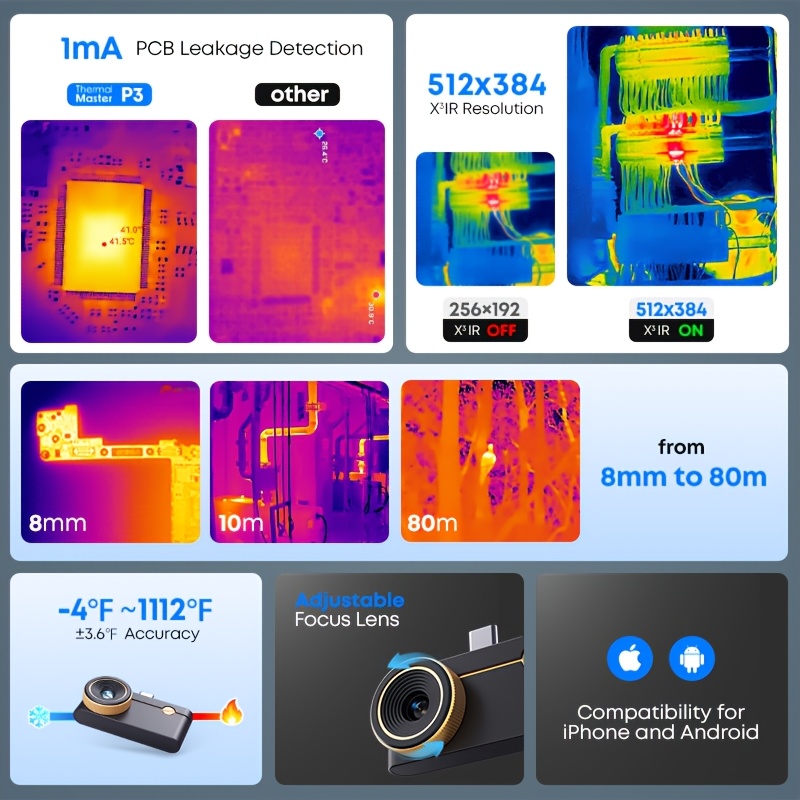
- 🔍 Adjustable macro lens: Adjust the view for close-up PCB and motherboard inspection.
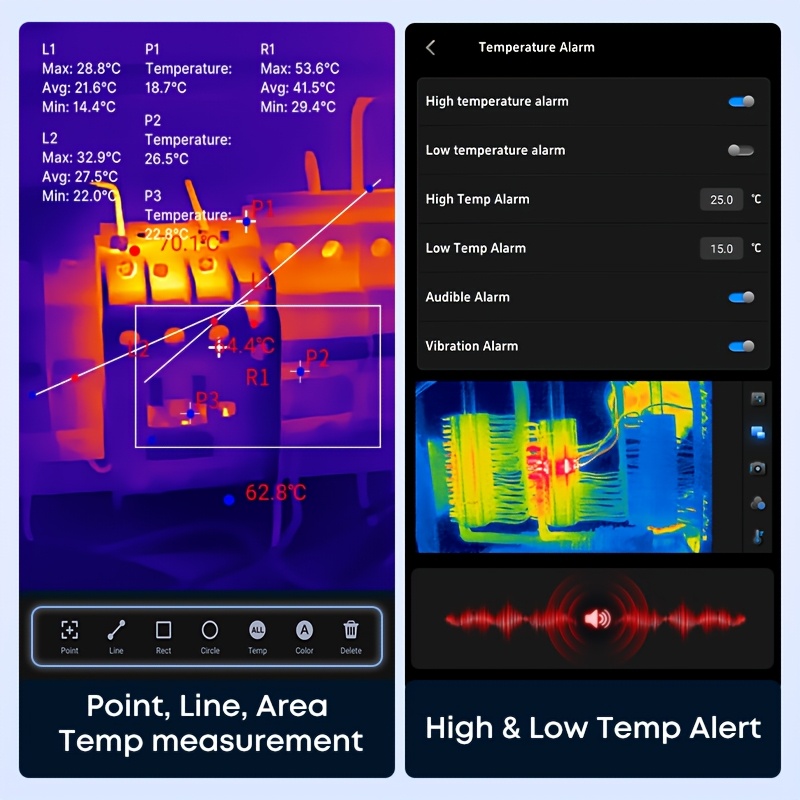
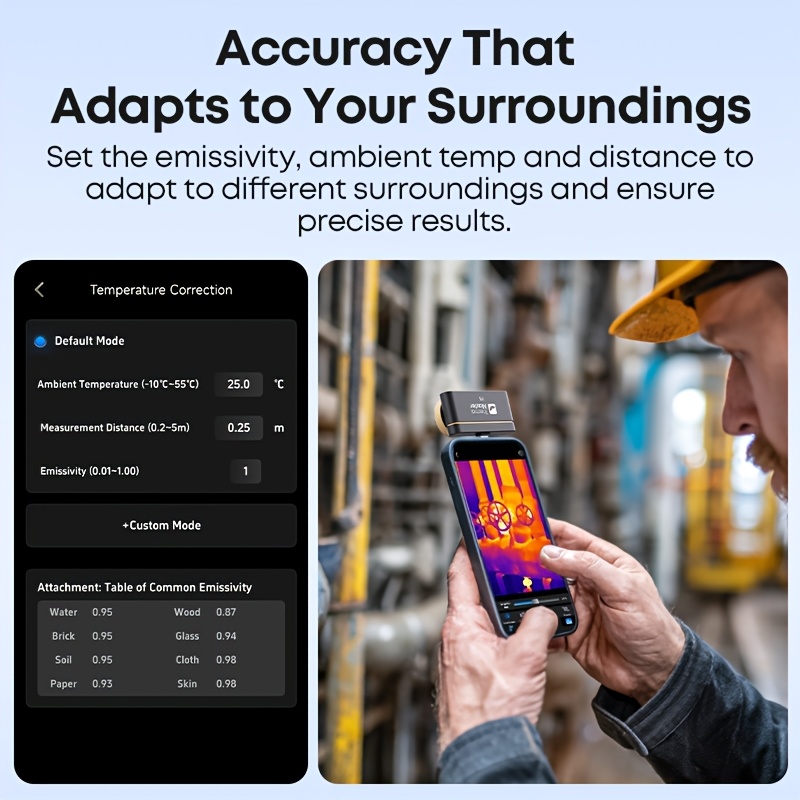
- 🌡️ Measurement up to 600°C: A listed maximum temperature measurement of 600°C supports a range of thermal inspection tasks.
- 🖼️ 512 × 384 imaging: Listed resolution paired with X³IR image enhancement technology. Native detector resolution is not specified in the supplied information.
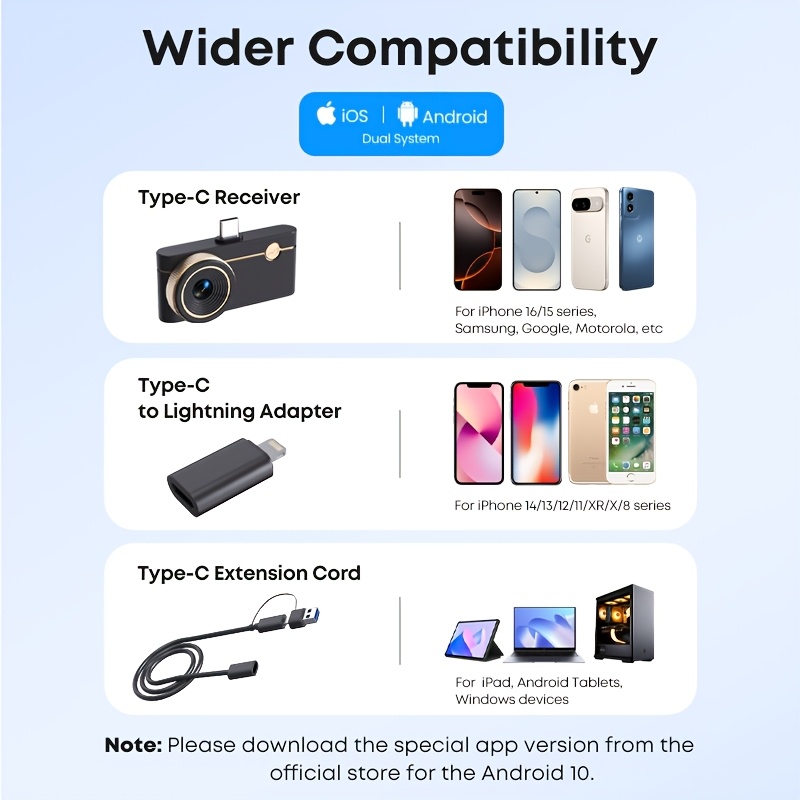
- 📱 Smartphone compatibility: Listed for iOS and Android phones; confirm the connector and app requirements for your specific handset before ordering.
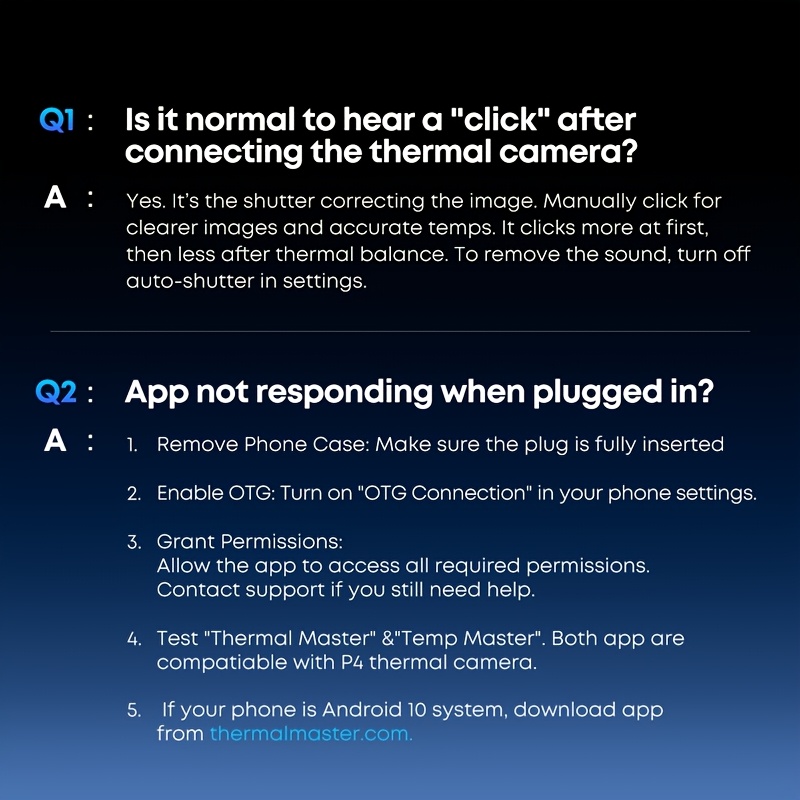
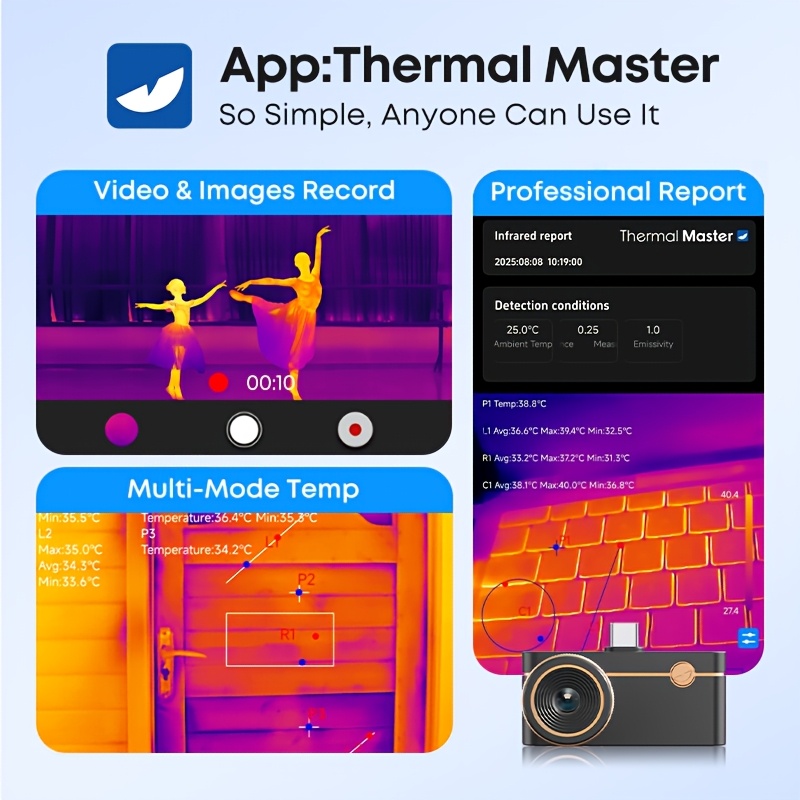
- 💻 Software options: The supplied information names Thermal Master and Temp Master apps, with PC software available from the manufacturer's official website.
Specifications
| Brand and model | Thermal Master P3 |
|---|---|
| Model option | P3-black |
| Product type | Smartphone thermal imaging camera |
| Listed imaging resolution | 512 × 384; native detector resolution not specified |
| Image enhancement | X³IR |
| Maximum listed measurement temperature | 600°C |
| Lens | Adjustable macro lens |
| Listed phone platforms | iOS and Android; check handset and connector compatibility |
| Apps named in supplied information | Thermal Master / Temp Master |
| PC software | Download from the manufacturer's official website |
| Intended inspection use | PCB and motherboard thermal inspection |
Frequently Asked Questions
Q: Who is the Thermal Master P3 thermal camera suitable for?
A: It is intended for people inspecting PCBs and motherboards, including electronics enthusiasts and repair technicians who want to examine thermal patterns.
Q: What can I use this thermal imager for?
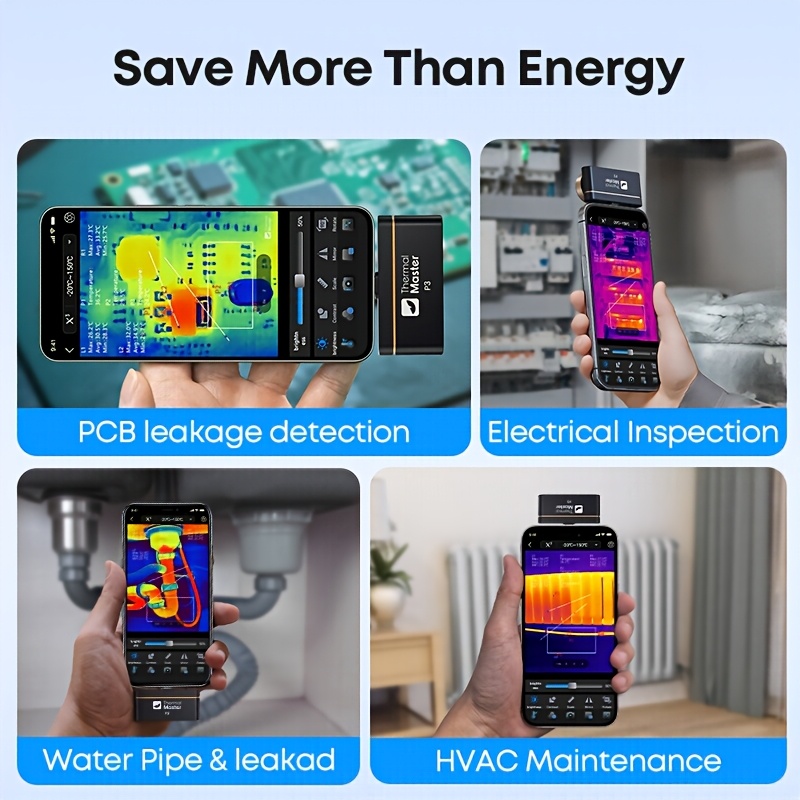
A: Its listed application is PCB and motherboard inspection. The adjustable macro lens is useful for examining small board areas; thermal images should be interpreted alongside other diagnostic checks.
Q: Is it a useful gift for an electronics enthusiast?
A: It can be a practical birthday or Christmas gift for someone interested in electronics inspection. Check their smartphone compatibility and existing equipment before choosing it.
Q: How do I start using the camera with my phone?
A: Confirm your handset and connector are supported, then follow the manufacturer's connection and app setup instructions. The supplied information names Thermal Master and Temp Master apps. Adjust the macro lens for your inspection subject.
Q: Does it have a macro lens, and which accessories are included?
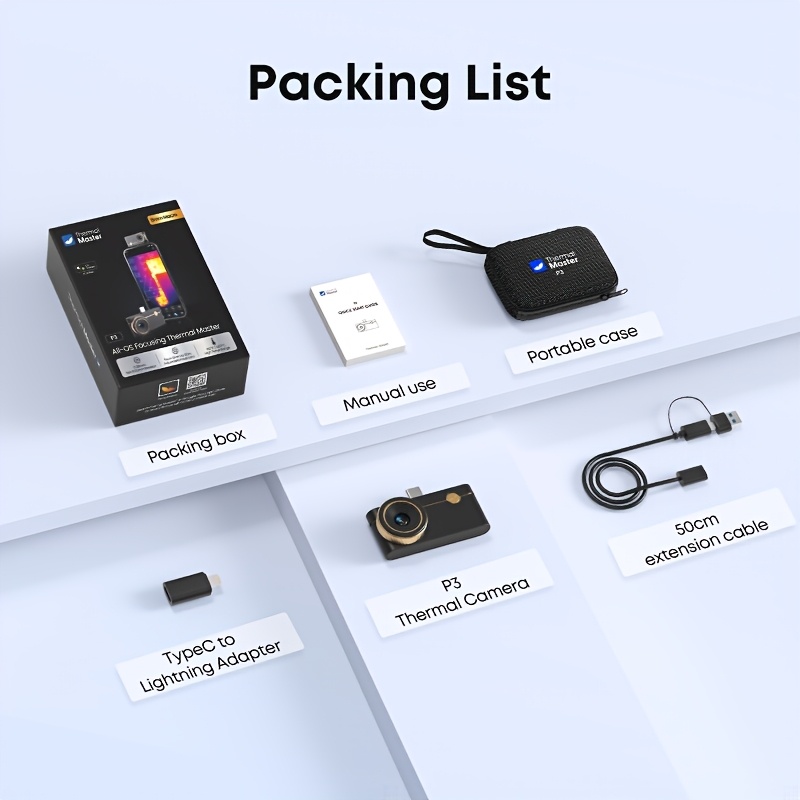
A: An adjustable macro lens is specified. A complete accessory list, including any adapters, cables or case, has not been supplied, so these items should not be assumed to be included.
Q: Can it support STEM learning?
A: Thermal imaging can help illustrate temperature differences and electronics concepts in supervised STEM activities. This is an inspection instrument rather than a children's toy; use appropriate supervision and follow electrical safety instructions.
Product Reference Images
Fast US Shipping
Ships from UK warehouse, free delivery 1-4 business days