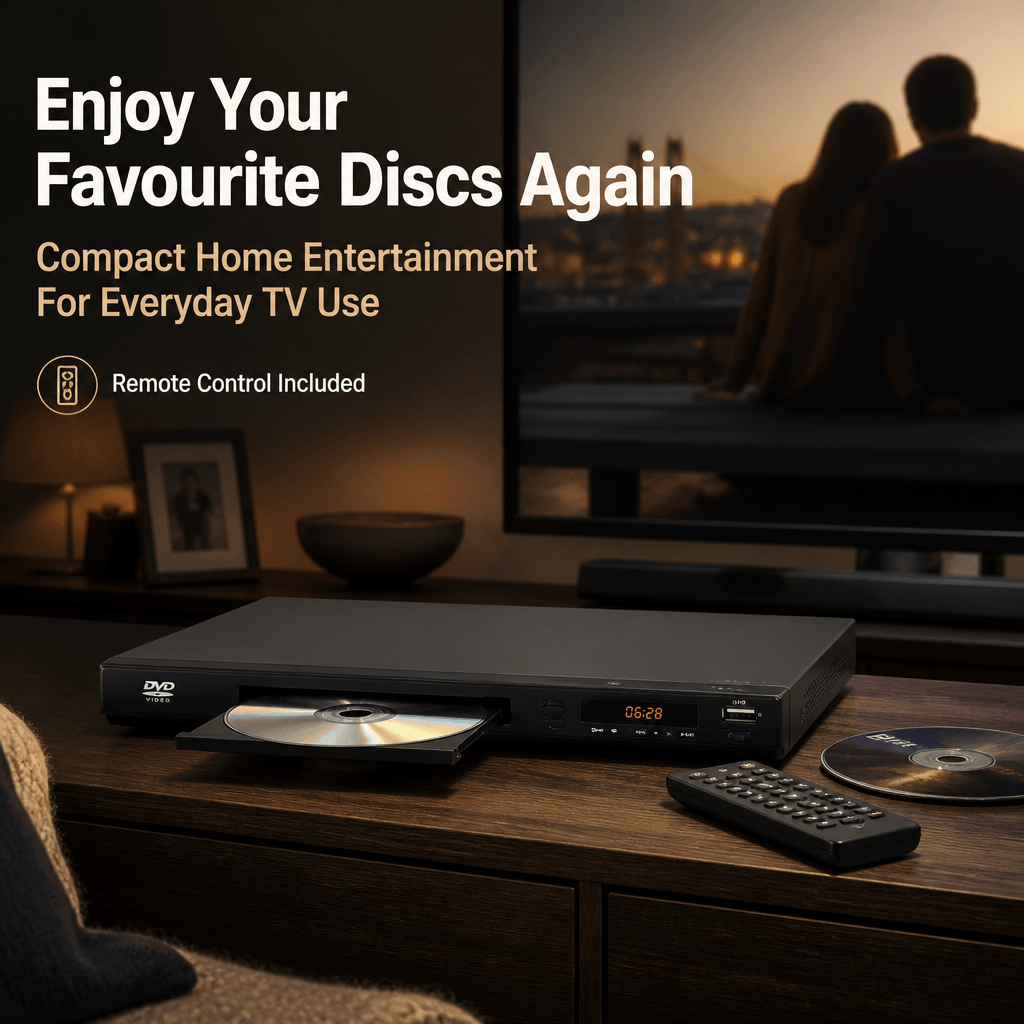
Multi-Region DVD Player with USB Port, Black Home Disc Player with Remote Control and AV Cable, Region-Free Multi-Format Playback

Multi-Region DVD Player with USB Port, Black Home Disc Player with Remote Control and AV Cable, Region-Free Multi-Format Playback
Multi-Region DVD Player for Favourite Films at Home
Rediscover your disc collection with this black multi-region DVD player, offering region-free playback without an unlocking step. Multi-format compatibility, a USB port and an included remote control make it a practical addition to your home entertainment setup. Settle in for a quiet evening, choose a favourite film and keep playback controls close to hand.
Features for Everyday Viewing
- 🌍 Region-free playback: Supports multi-region DVDs without unlocking required.
- 💿 Multi-format compatibility: Designed for more than one playback format; check specific disc and file requirements before use.
- 🔌 USB port: Provides an additional connection for compatible USB media.
- 🎛️ Remote control included: Control your viewing from your seat.
- 📺 AV cable included: Connect to a television with a suitable AV input.
- 🖤 Black finish: A simple match for a home television setup.
Specifications
| Product type | Home DVD player |
|---|---|
| Colour | Black |
| Selected option | 1 SET BLACK |
| Region support | Multi-region, region-free without unlocking required |
| Playback compatibility | Multi-format; exact supported formats are not specified |
| Connection | USB port; AV connection using the included cable |
| Included accessories | Remote control and AV cable |
Frequently Asked Questions
Q: Who is this multi-region DVD player for?
A: It suits viewers who want to enjoy their DVD collection at home, including discs from different regions, on a compatible television.
Q: Does this region-free DVD player need unlocking?
A: No unlocking is required for the multi-region playback described in the product information. Exact disc and format compatibility should still be checked.
Q: Is a DVD player a useful gift for a film lover?
A: It can be a thoughtful birthday or Christmas gift for someone with a DVD collection. Check that their television has a compatible AV input first.
Q: How do I connect the DVD player to my TV?
A: Use the included AV cable with a matching television input, select that input on the TV and follow the player's operating instructions. Check your TV connections before ordering.
Q: What accessories are included, and what is the USB port for?
A: A remote control and AV cable are included. The USB port is intended for compatible USB media; exact file formats and storage limits are not specified.
Q: Is this DVD player a STEM toy or educational kit?
A: No. It is home entertainment equipment, not a STEM toy or hands-on learning kit. Educational disc playback depends on disc compatibility.
Fast US Shipping
Ships from UK warehouse, free delivery 1-4 business days