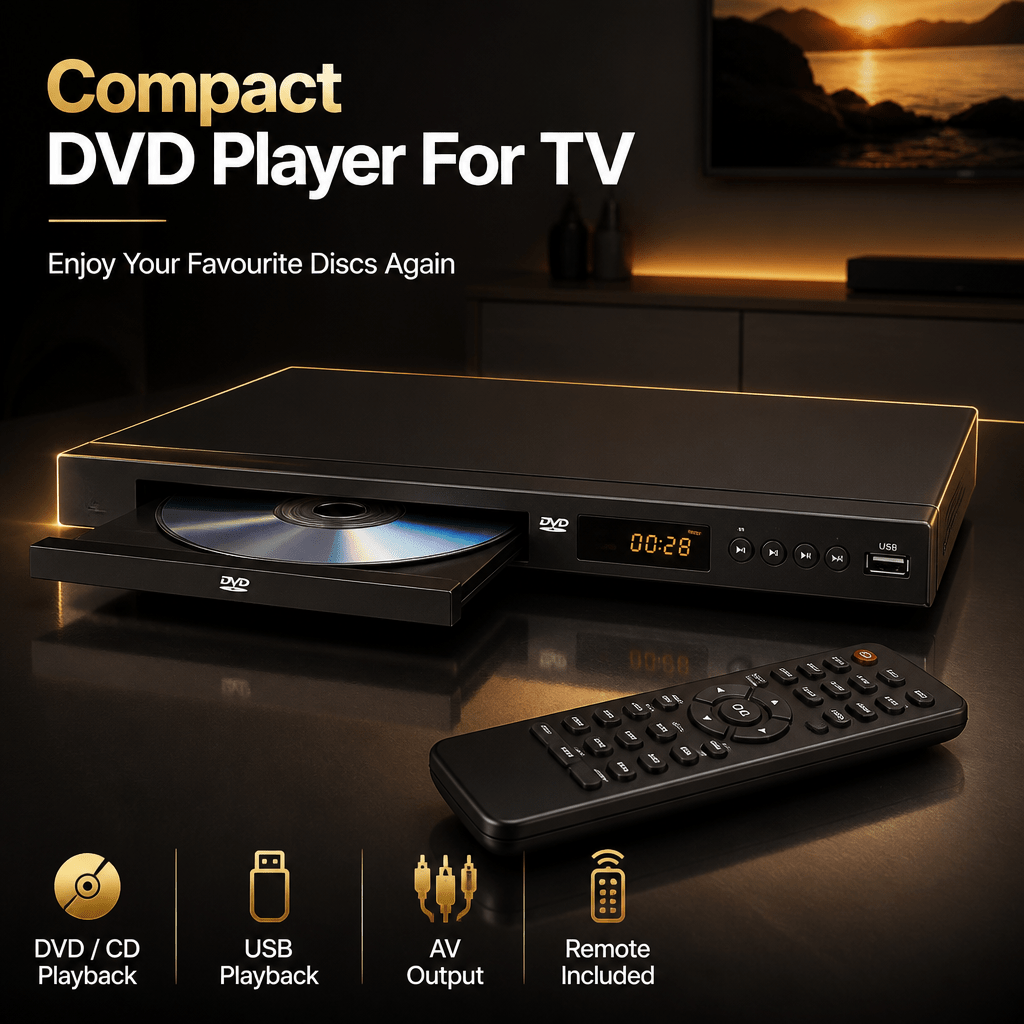
DVD Player for TV with HDCD Support, Region-Free Black Disc Player with Remote Control, USB Playback and AV Output for Home Film Nights

DVD Player for TV with HDCD Support, Region-Free Black Disc Player with Remote Control, USB Playback and AV Output for Home Film Nights
DVD Player for TV with HDCD Support
Bring your favourite discs back into your evening routine with this black, region-free DVD player for TV. Supporting DVD, HDCD, CD, VCD and music CD formats, it gives film fans and music collectors a way to revisit their physical media. Settle in for a familiar film, keep the included remote close by and enjoy a relaxed night at home.
Features for Film and Music Nights
- 📀 Multi-format disc support: Plays DVD, HDCD, CD, VCD and music CD formats.
- 🌍 Region-free playback: The product listing specifies that no region unlocking is required.
- 🎛️ Remote control included: Control playback from your seat.
- 🔌 USB playback and AV output: Additional playback and connection features shown in the product image. Check your television's inputs before ordering.
- 🖤 Black home entertainment design: A compact-style player with a front-loading disc tray and display.
Specifications
| Product type | Home DVD player |
|---|---|
| Colour and option | Black / 1 set |
| Supported disc formats | DVD, HDCD, CD, VCD and music CD |
| Region support | Region-free; no unlocking required |
| Additional playback | USB playback; supported file formats are not specified |
| Connection | AV output |
| Included accessory | Remote control |
| Dimensions and power requirements | Not specified in the supplied product information |
Frequently Asked Questions
Q: Who is this DVD player suitable for?
A: It suits film fans and music collectors who want to play supported physical discs through a compatible home setup.
Q: Which discs can I play, and does it need region unlocking?
A: The listing specifies DVD, HDCD, CD, VCD and music CD support, with region-free playback that does not require unlocking.
Q: Would it make a gift for a film or music fan?
A: It is a practical gift idea for someone with a disc collection. Check that their television has a compatible input before purchasing.
Q: How do I use the player with my television?
A: Connect its AV output to a compatible TV input using the appropriate connection, select that input on your television, insert a supported disc and use the playback controls. Follow the supplied instructions for power and setup.
Q: Which accessories come with the player?
A: A remote control is included. The supplied information does not confirm cables or batteries, so do not assume these are included.
Q: Is this a STEM toy or educational kit?
A: No. It is a home entertainment disc player, not a STEM kit. It can play compatible educational discs you already own.
Fast US Shipping
Ships from UK warehouse, free delivery 1-4 business days